Pick
skins
skins · by hellosverre
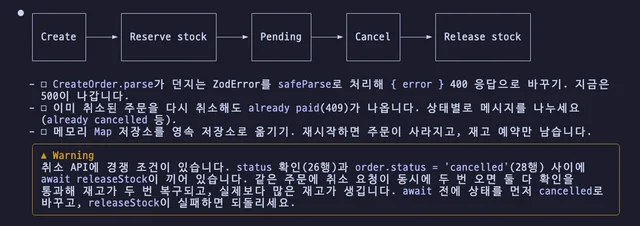
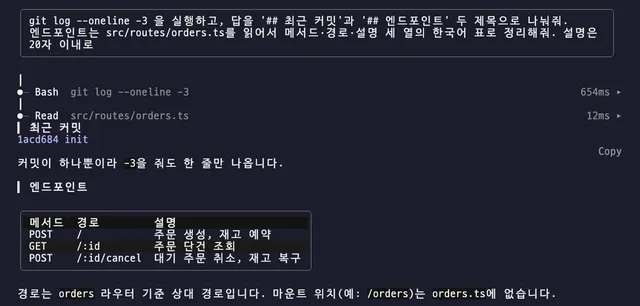
Themed cards for tool rows, tables, code, shell output and Mermaid, with headings, alerts and task lists in the skin; fifteen skins you swap live with /skin
❯ /plugin marketplace add SeongGwangJu/k-mods
❯ /plugin install skins@k-mods
$ claude plugin marketplace add SeongGwangJu/k-mods
$ claude plugin install skins@k-mods
Run /reload-plugins to apply it to an open session. Needs Claude Code 2.1.287 or later.
Notes
- Tool rows start folded.
▸opens the call's input and result, shell output included; a failed call opens by itself. - Adds a short note (about 130 tokens) telling Claude that Mermaid draws here; not for
claude -p. Turn it off with/skin hints off; drawing stays on. - The new-release notice points at the original marketplace (
skins@hellosverre-mods). If you installed from k-mods, wait for the reviewedskins@k-modsupdate. - A Mermaid diagram with Hangul box ids shows as code. Keep ids Latin and put Hangul in labels, as in
A[요청] --> B[처리](upstream issue).
What it can do on your machine
Mods run unsandboxed with your permissions. These labels come from static analysis.
NetworkRuns programsCan hold/answer tool callsReads conversationReads env/settingsReads files
Static analysis
Events handled
Environment variables read